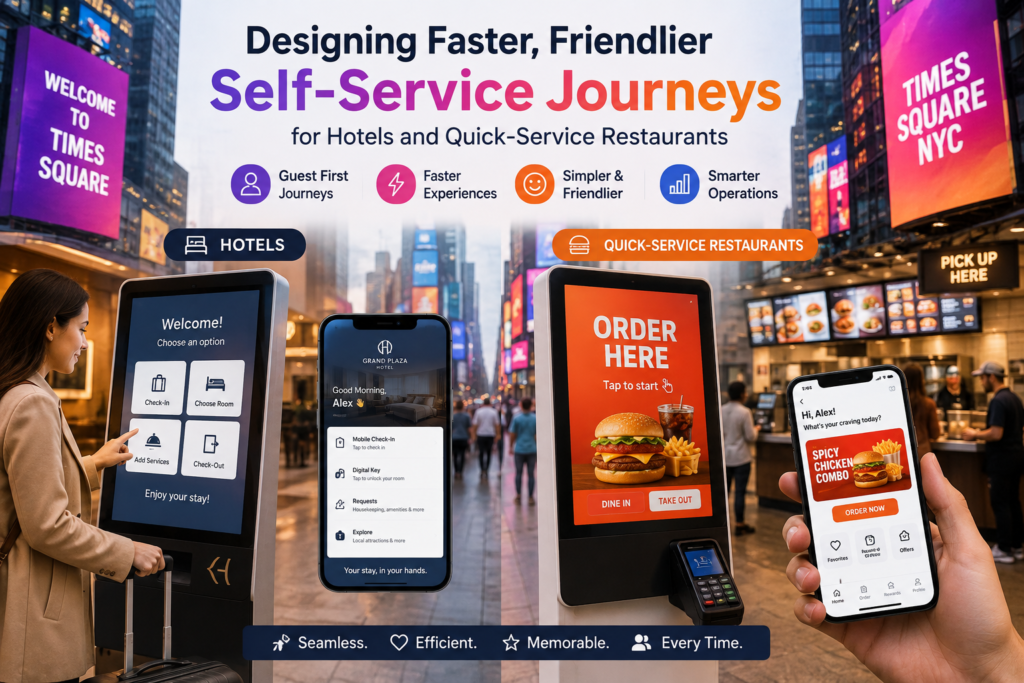
Designing Faster, Friendlier Self-Service Journeys for Hotels and Quick-Service Restaurants

Key Takeaways
- Self-service works best when it solves a specific point of friction.
- Every screen should prioritize speed, clarity, accessibility, and guest choice.
- Visible staff support is essential, even when guests complete tasks independently.
- Accurate operational data prevents disappointing experiences at the final step.
- Operators should measure satisfaction and task success, not just adoption rates.
Self-service should make hospitality feel easier, not less personal. Whether a guest is checking in after a delayed flight or ordering lunch during a busy workday, the best digital experience removes small frustrations while preserving choice. Thoughtfully placed Kiosks for hotels can help streamline routine tasks, but the technology only succeeds when the journey is clear, reliable, and supported by people.
Guests move fluidly between websites, mobile apps, payment terminals, ordering screens, front desks, and staff members. A confusing digital step can create the same stress as a long line. The goal is not to automate every interaction. It is to give guests a fast, understandable option for simple tasks and an easy path to human help when needs become more complicated.
Why Self-Service Design Matters
A hotel guest may want a room key in under two minutes, while a family at a restaurant may need time to review ingredients, customize meals, and ask questions. Both situations call for convenience, but they do not call for the same experience. Strong self-service design recognizes that speed is valuable when guests are confident, while reassurance matters when choices, payments, or special requests create uncertainty.
Start With the Guest Journey
Before selecting a kiosk, app feature, or ordering platform, map what guests actually experience from beginning to end. Technology should follow a service problem, not lead the decision.
- Arrival, check-in, or finding a table
- Selecting a room, meal, amenity, or service
- Payment and confirmation
- Pickup, room access, or fulfillment
- Questions, changes, and support
- Feedback after the interaction
For example, a late-night hotel guest may value quick identity verification and a clear room-access process. During a lunch rush, restaurant guests may care most about seeing accurate wait times, customizing their orders, and knowing exactly where to pick them up. Mapping these moments reveals where self-service genuinely helps and where staff attention remains important.
Build Screens That Feel Easy to Use
Guests should not need training to complete common tasks. Use plain language rather than internal terms, keep choices manageable, and place common actions where people expect them. Large type, strong contrast, clearly labeled buttons, and visible progress indicators make a system feel more predictable.
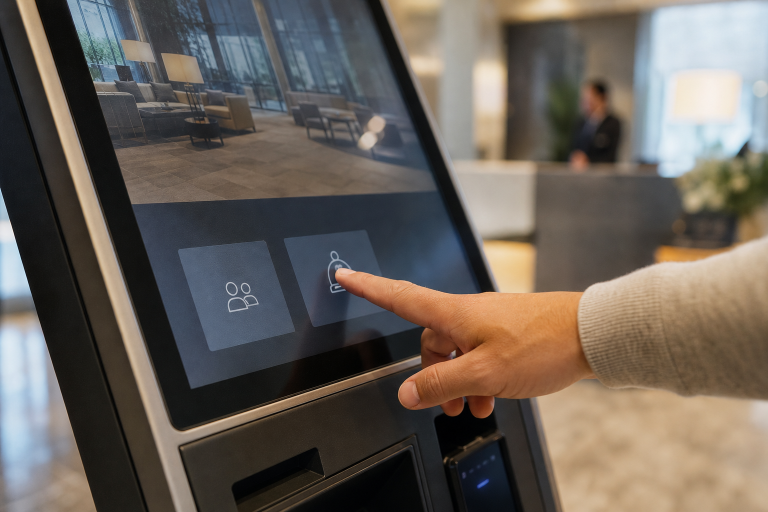
- Put popular actions, such as “Check In” or “Start Order,” on the first screen.
- Show what happens next after each choice.
- Allow guests to correct mistakes without restarting.
- Limit unnecessary questions and avoid repeating information already provided.
- Use confirmation screens that clearly explain payment, pickup, access, or delivery details.
A helpful prompt does more than move a guest forward. “Your room key will print after payment is confirmed” reduces uncertainty in a way that a generic “Continue” button cannot.
Make the Experience Accessible to More Guests
Accessibility should be part of planning and user testing, not a final compliance exercise. Physical placement should consider wheelchair-friendly reach ranges, screen angles that reduce glare, and room for guests carrying bags or traveling with children. Digital design should include readable text, meaningful color contrast, multiple languages, audio assistance, and headphone support where appropriate.
Testing with real users is essential. Features that support guests with disabilities often also help older adults, hurried travelers, people unfamiliar with the language, and anyone using the system under pressure.
Keep Human Help Within Reach
A hybrid model gives guests confidence. Add a visible “Need Help?” option, offer a staffed alternative during high-volume periods, and train employees to notice hesitation, repeated errors, or abandoned sessions. Staff should be able to assist without forcing a guest to start over.
For instance, a restaurant employee might help a family locate allergen information, apply several meal customizations, and then let the family complete payment at their own pace. That is not a failure of self-service. It is service design working as intended.
Connect Self-Service With Daily Operations
The guest-facing screen is only one part of the journey. Hotel systems should integrate with property management, payment, room access, and support workflows. Restaurant systems should exchange current information with point-of-sale tools, kitchen displays, inventory records, and order-status screens.
Real-time accuracy matters. If a room is unavailable, an item has sold out, or a kitchen is running behind, the system should say so before the guest reaches payment. Otherwise, automation simply shifts a problem to a later and more frustrating stage.
Protect Guest Data and Payment Information
Operators should document what information is collected, why it is needed, how long it is retained, who can access it, and what happens during a network outage. Payment details require protected processing, while devices need scheduled updates, security patches, and clear procedures for lost connectivity.
Privacy notices should appear when guests are asked for sensitive information. Clear, short explanations are more useful than burying important details in dense legal language.
Use Data to Improve the Journey
Track average wait time, task-completion time, abandoned sessions, order corrections, payment failures, staff-assistance requests, satisfaction scores, and repeat use. Then compare those measures with employee observations and guest comments. A transaction that finishes faster is not a win if it causes confusion, complaints, or extra work at pickup.
Plan a Small Pilot Before a Wider Rollout
- Choose one problem. Focus on late arrivals, peak ordering, or another measurable delay.
- Select one location. Use a site with enough traffic to produce useful feedback.
- Set a baseline. Record current wait times, errors, labor demands, and satisfaction.
- Test broadly. Include staff, frequent guests, first-time visitors, and users with accessibility needs.
- Improve before expanding. Fix unclear instructions, weak signage, and system gaps before adding locations.
Common Mistakes to Avoid
- Adding technology without identifying the guest problem it should solve
- Removing every staffed option
- Using too many screens, choices, or required fields
- Allowing inaccurate inventory, room, or order information
- Ignoring payment failures, outages, and accessibility needs
- Measuring usage without measuring guest satisfaction
What Good Self-Service Looks Like
Good self-service is fast when speed matters, informative when guests are uncertain, flexible when needs vary, and supported by people when problems appear. Hotels and quick-service restaurants should begin with one clear friction point, test the full journey, and refine the experience before scaling. The strongest hospitality model is not fully digital or fully traditional. It is a thoughtful blend of both.