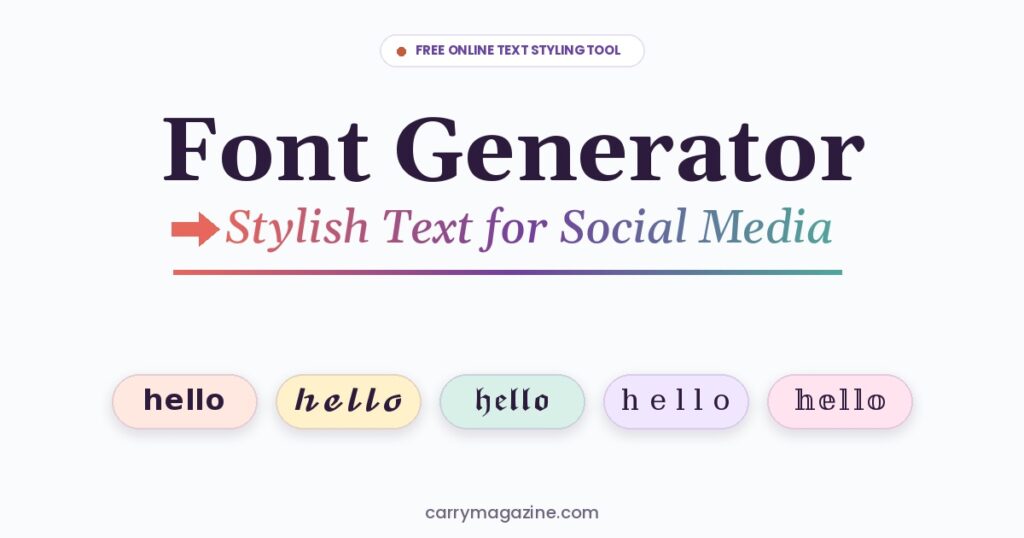

Phone screen showing text turned into bold, cursive and gothic styles with a font generator
Scrolling through social media, you have probably noticed names, bios and captions written in curly, bold or gothic letters. Those eye-catching styles usually come from a font generator, a free online tool that changes ordinary text into decorative text you can copy and paste anywhere. This guide explains how it works, where to use it and how to pick the right style for each platform.
What Is a Font Generator?
A font generator takes the words you type and converts every letter into a styled version. You do not install anything. You type, choose a style and copy the result.
How Does It Work Without Installing Fonts?
These tools do not use real font files. They swap normal letters for special Unicode characters that already exist on almost every phone and computer. Because the styled letters are actually text characters, they can be pasted into Facebook, Instagram, Discord, WhatsApp and many other apps without extra setup.
Are Fancy Fonts Free to Use?
Yes. The styled text you generate is just characters, so you can use it freely in your own bio, posts and usernames.
Why Stylish Text Helps You Stand Out
People scan feeds quickly. A name or caption that looks different catches the eye for a moment longer, and that moment can lead to a follow, a click or a comment.
Stronger First Impressions
A well-styled bio tells visitors something about your personality before they read a single word. A gamer may prefer sharp gothic letters, while a lifestyle blogger may like soft cursive.
Better Branding Across Platforms
Using the same style for your name and slogan on several platforms makes you easier to recognise. Consistency matters more than variety here.
Popular Font Styles and Where They Work Best
Different styles suit different moods. Here are the most popular ones and the best places to use them.
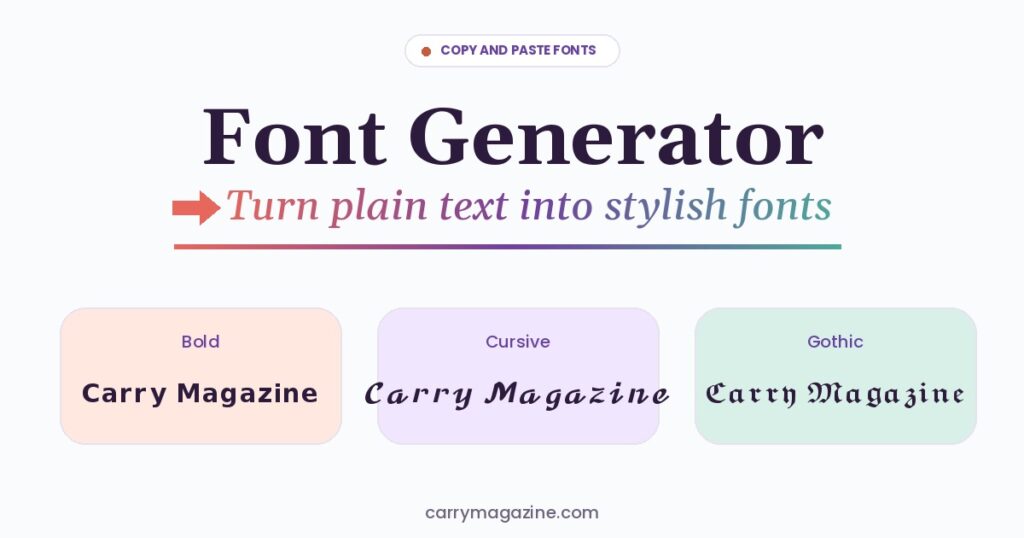
Bold Text
Bold letters add weight to headings and key phrases. Our bold text generator is ideal when you want a short message to look strong and clear.
Cursive and Script Fonts
Cursive looks personal and elegant, which is why it is popular for wedding captions, quotes and beauty pages. Try the cursive fonts generator for flowing handwriting-style letters.
Gothic Fonts
Gothic letters have a dramatic, old-style look that suits music, art and dark-themed profiles. You can create them with the gothic fonts generator.
Aesthetic and Pretty Fonts
If you like soft, dreamy and decorative lettering, the aesthetic fonts generator and the pretty fonts generator offer many gentle styles for captions and bios.
Small Text
Tiny letters work well for subtle remarks, side notes and playful captions. The small text generator makes them in a single click.
Using Fancy Fonts on Each Platform
Facebook bio and post written in stylish Unicode fonts that stand out in the feed
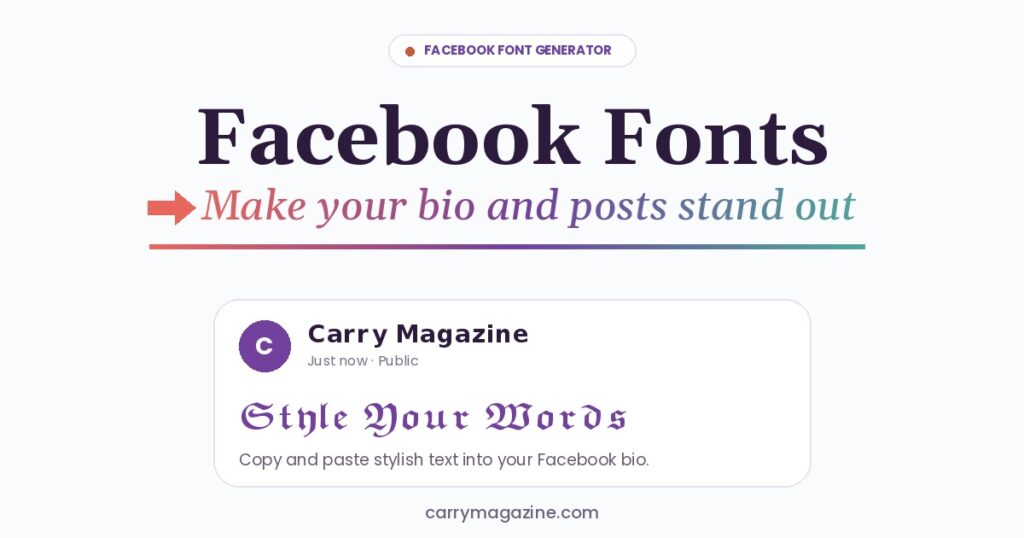
Facebook allows styled text in your name field, bio, posts and comments. A short stylish headline at the start of a post can pull readers in. The Facebook font generator gives you many ready-to-copy styles for this.
Your Instagram bio has very limited space, so styled text helps you highlight what matters most. Use the Instagram fonts generator to design your bio, highlight titles and captions.
Discord
Server names, nicknames and channel topics can all use decorative text. The Discord fonts generator is a quick way to make your profile look unique in a busy server.
Gaming Profiles
Gamers often style usernames and clan tags. With the gaming fonts generator, you can create a tag that looks sharp in lobbies and leaderboards.
How to Use a Font Generator in 3 Easy Steps
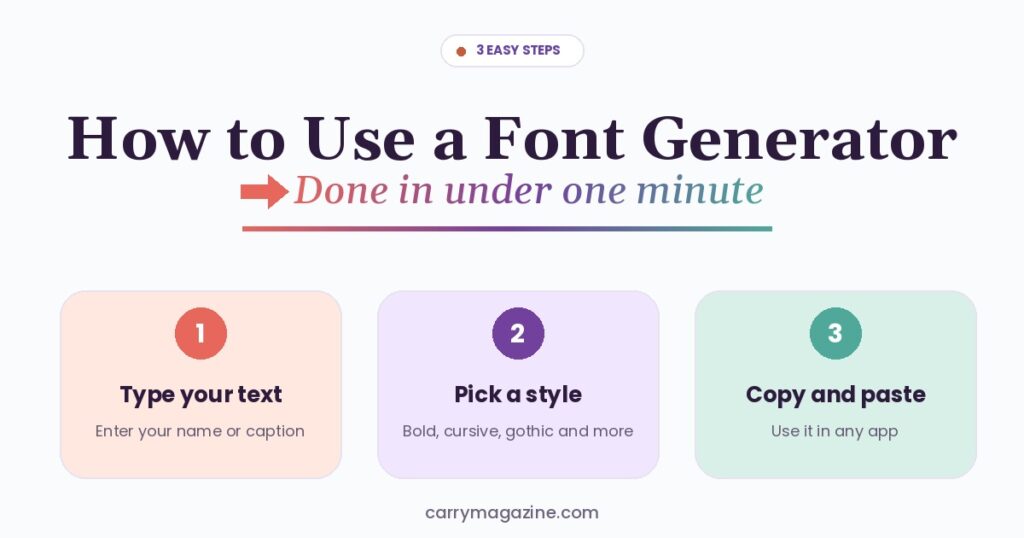
Three steps to type text, pick a font style and copy it for any app
- Type your text. Enter your name, bio or caption in the input box.
- Pick a style. Scroll through the results and choose the one that fits your mood and platform.
- Copy and paste. Copy the styled text and paste it where you want it.
That is all it takes, and it usually needs less than a minute.
Tips for Using Stylish Text the Smart Way
Keep It Readable
Very decorative styles can be hard to read in long sentences. Use them for names, headings and short phrases, and keep normal text for the rest.
Think About Accessibility
Screen readers may not read Unicode letters correctly, and some styles may appear as empty boxes on older devices. Mixing styled and plain text keeps your message understandable for everyone.
Match the Style to Your Audience
A professional page may suit simple bold text, while a creative or gaming profile can handle more dramatic designs. Always preview your text on mobile before posting.
Do Not Overuse It
One styled element per post or bio is usually enough. Too many different styles can look cluttered.
Frequently Asked Questions
Can I use a font generator on my phone?
Yes. Every tool works in a mobile browser, so you can copy and paste directly into your apps.
Will the styled text work everywhere?
It works on most major platforms, but a few older devices may show missing characters. Testing a short sample first is a good habit.
Do I need to download any app?
No. The tools run in your browser, and nothing needs to be installed.
Is it safe to use these tools?
Yes. They only convert text, and you never need to share personal details to use them.
Final Thoughts
A font generator is a simple way to make your name, bio and captions look more creative without any design skills. Start with the style that matches your personality, test it on your favourite platform and enjoy experimenting. For more tips and updates, visit the Carry Magazine blog or head back to the Carry Magazine home page.